
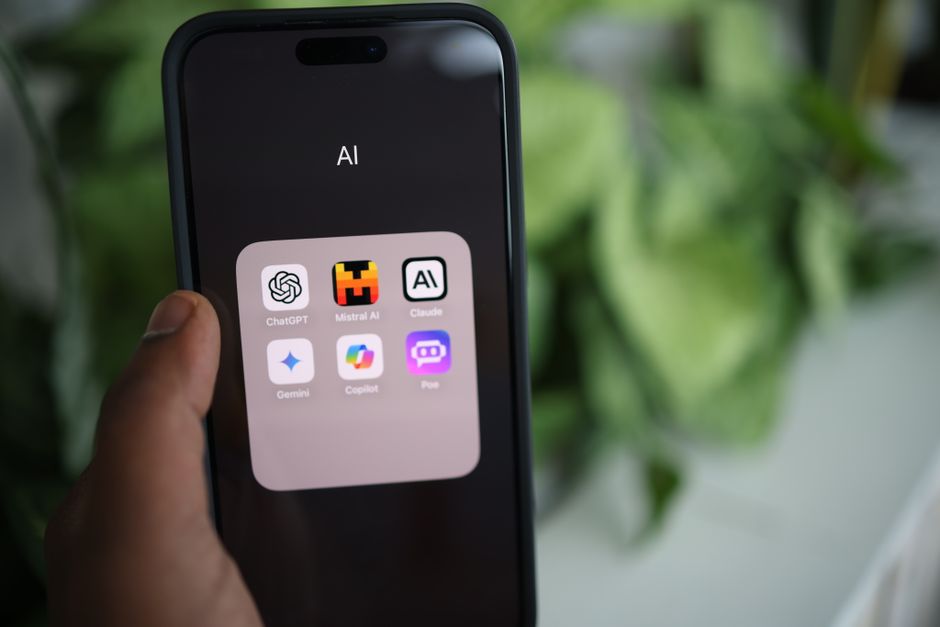
Every time you type a question into an AI chatbot, that conversation leaves your device and lands on a server you don’t control. It might be stored, reviewed, or used to train the next version of the model — and once it’s out of your hands, you have no real way to know what happens to it next. That’s not a reason to avoid AI. It’s a reason to be deliberate about which kind you reach for, and when.
There isn’t one right answer here — there are three, and which one fits depends on what you’re actually asking. Here’s how to think about it.
Run It Locally, Skip the Server
The strongest option is also more accessible than most people assume: running an AI model directly on your own computer, fully offline. A free tool called LM Studio works like an app store for AI models — browse, pick one, download it, and start chatting inside a clean interface. Once it’s downloaded, you can turn off your Wi-Fi entirely and it keeps working exactly the same, because nothing is being sent anywhere. No account, no subscription, no data that ever leaves the room you’re in.
The catch is hardware and setup: you’ll want a reasonably modern laptop or desktop, and picking the right model for your machine takes a little trial and error. We cover that in detail — including which models we run ourselves and why — in Run AI Locally And Keep It Private. This is the tool of choice for anything genuinely sensitive: medical questions, legal matters, financial planning, or just the peace of mind of an assistant that answers to no one but you.
Pick a Provider Built Around Privacy
If local AI isn’t practical for you, a second tier of tools gets you most of the same protection without the setup. It’s worth understanding what these actually are first: none of them train their own frontier models. What they offer instead is a privacy layer sitting in front of models that already exist — stripping identifying information, refusing to log or train on your prompts, sometimes going as far as cryptographic proof that no one can see them at all. We’ve used all three ourselves.
Venice.ai has the strongest technical privacy claim of the three. Beyond its zero-retention architecture, it added TEE (Trusted Execution Environment) and full end-to-end encrypted inference in March 2026 — meaning prompts are processed inside a cryptographically sealed enclave that not even Venice’s own infrastructure can see into, with verifiable attestation rather than a policy promise to take on trust. We go into how that technology works in Private AI Inference — From Trust to Proof. It’s also the only one of the three offering open-weight, uncensored models — Llama, Mistral, Qwen, DeepSeek, and others you can inspect and download yourself — plus real image generation and editing. Its free tier is thin — 10 text prompts and 15 image prompts a day — so it’s better thought of as a paid tool ($18/mo) than a free daily driver.
Brave Leo lives inside the Brave browser and only works there — it’s not a separate destination you visit like the other two. That’s precisely its strength: because it can read the page you’re already looking at, it’s the best of the three for summarizing an article, PDF, or video without copying anything anywhere. No account, no IP logging, no training on your conversations. Its free tier runs capable open models (Llama 3.1, Claude Haiku, and others) that hold up well for everyday questions and summaries.
DuckDuckGo’s Duck.ai is the most straightforward of the three: an anonymizing proxy in front of models from OpenAI, Anthropic, Meta, and others, stripping identifying information before your prompt reaches them and holding those providers to contracts barring them from training on it. No account required, genuinely useful for quick, everyday tasks. Its daily limits aren’t published and vary by model, so expect the ceiling to arrive sooner on the more capable ones.
Ollama Cloud is one we use ourselves, and it’s worth a mention for a different reason than the three above — it runs genuinely open-weight models (Llama, DeepSeek, Qwen, and others you can inspect and download yourself, not a closed model you take on faith) at a scale your own laptop likely can’t handle, on Ollama’s own hardware, with a no-logging, no-training policy. The trade-off: unlike Venice, Leo, and Duck.ai, it requires an ollama.com account, offers no EU data residency, and there’s an open question in Ollama’s own bug tracker about whether that no-retention promise fully extends to models routed through third-party inference partners.
Two more worth a mention if you’re already in the right ecosystem: Proton Lumo offers genuine zero-access encryption on stored chats and Swiss jurisdiction, though its live inference layer relies on trust rather than the cryptographic verification Venice offers, and Proton doesn’t disclose which models power it. Infomaniak’s Euria is a free, Swiss-hosted alternative worth a look too.
When You Use ChatGPT, Claude, or Similar
The newest, most capable models are often only available from the big commercial providers — that’s simply where the frontier sits right now, and it’s worth acknowledging rather than pretending otherwise. Used carefully, they’re a reasonable choice for lower-stakes work. The key word is carefully, and the details vary more than most people expect.
OpenAI, Anthropic, and Mistral all ship their free consumer tiers with training turned on by default — you have to find the toggle and switch it off yourself, and in Mistral’s case, that’s true even on its paid Pro plan, not just the free one. None of that makes one of them better than the others; it’s the same “check it yourself” story across all three.
Perplexity is a different case worth flagging on its own: it’s a genuinely excellent free search tool with generous limits, but its free tier doesn’t offer a training opt-out at all — only Perplexity’s Enterprise and API tiers get that guarantee. If you use Perplexity’s free plan regularly, treat it the same way you’d treat any tool with no privacy controls: useful, but not the place for anything sensitive.
Practically, that means: check the training toggle on whatever you use, use temporary or incognito modes for anything sensitive, and keep real names, health details, and financial specifics out of your prompts regardless of what the settings say. Since these menus shift constantly, the TrustScan Opt-Out Hub keeps current click-paths for the major providers in one place, which is more reliable than any single how-to guide.
None of this requires picking one tool and sticking with it forever. Reach for local AI when the stakes are genuinely high, a privacy-first provider for everyday use, and a commercial tool — checked and configured properly — when you need the extra capability. We’ve put the tools and quick picks from this post on our Simple Privacy Fix Tips to Use AI More Privately page for easy reference.
Key Takeaways
- Running AI locally with a free tool like LM Studio keeps your data on your own device entirely — the strongest option for sensitive topics.
- Venice, Brave Leo, and Duck.ai don’t train their own models — they add a privacy layer in front of existing ones, with no account required for any of them.
- Venice’s TEE and end-to-end encrypted modes offer cryptographic proof of privacy, not just a policy promise — a meaningful step beyond “we don’t log it.”
- OpenAI, Anthropic, and Mistral all default their consumer tiers to training-on — Mistral’s Pro plan included — and require you to manually opt out.
- Perplexity’s free tier has no training opt-out at all; only its paid Enterprise and API tiers offer one.
Photo: Solen Feyissa via Pexels